
Screenshots for macOS · no third-party cloud
Select. Mark up.
The link is already copied.
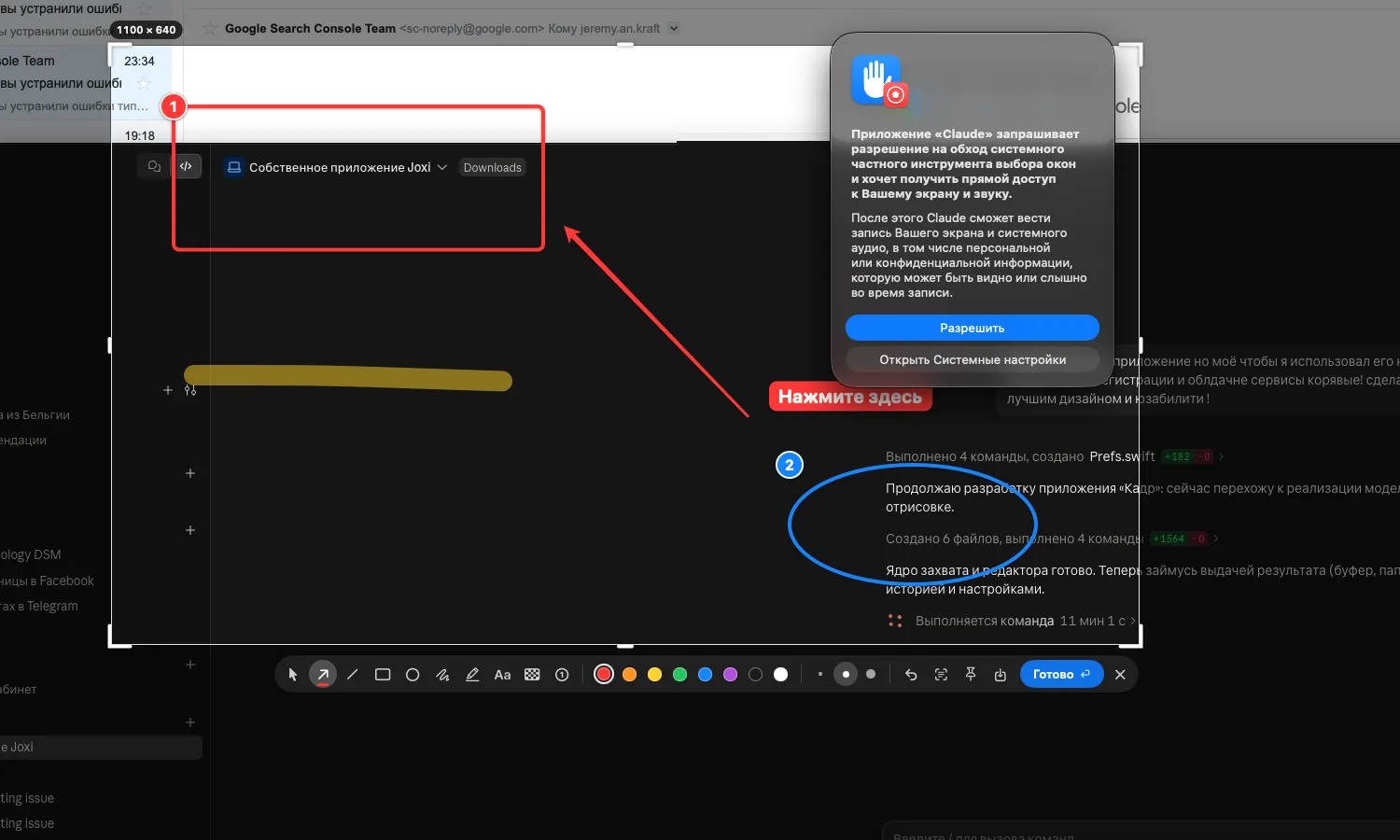
Kadr captures part of the screen, lets you add an arrow or pixelate a password, then puts the image on IBCSC’s server in Belgium and copies a short link.
01 — ⌥⇧1
Select
The frame snaps to windows and shows the size in pixels and a magnifier. Works with any keyboard layout.
02 — 10 tools
Mark up
Arrows, boxes, text, highlighter, step numbers and pixelating passwords, right on the screen.
03 — ⌘L
Share
The screenshot goes to kadr.ibcsc.be and the link to your clipboard. Turn access off whenever you like.
All your screenshots in one place
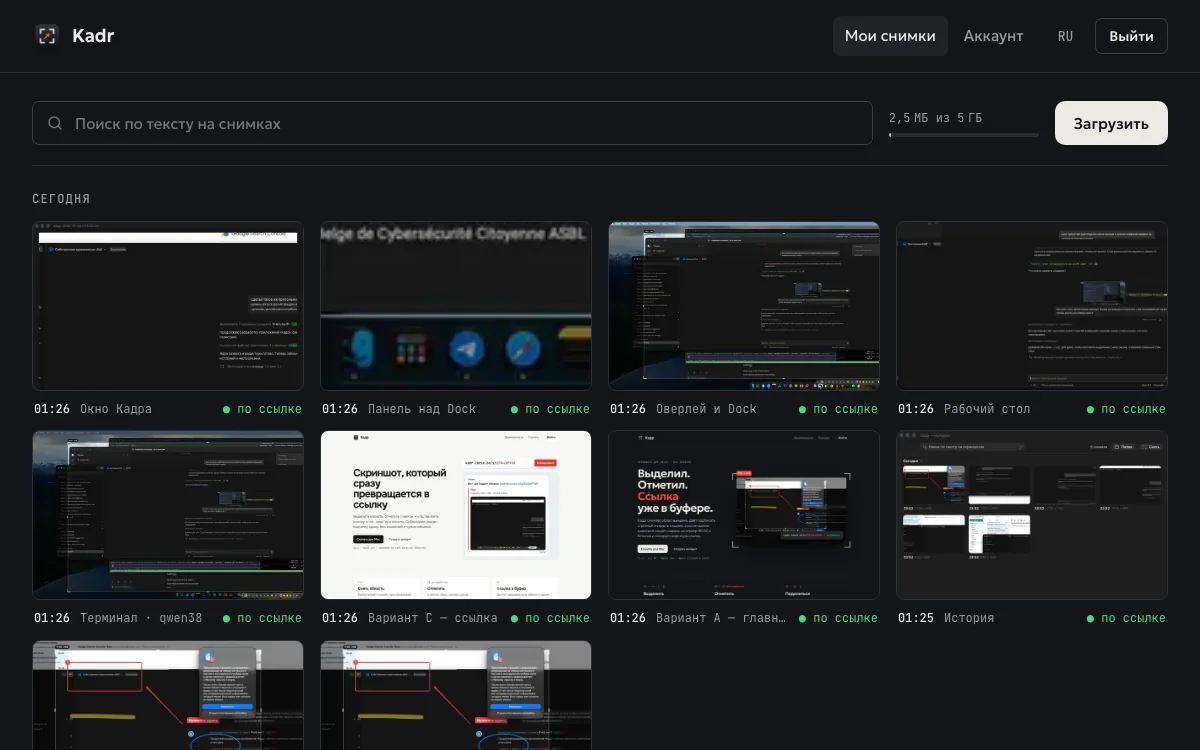
Every screenshot sent from Kadr or dropped into the browser lands in your gallery, sorted by day.
- Search the text that appears on your screenshots
- Public, private, password-protected or expiring links
- View count for every link
- 5 GB of storage per account
BE
Hosted in Belgium
Images stay on the non-profit’s server in Charleroi. No reselling, no US cloud.
EXIF
Metadata stripped
Every upload is re-saved without EXIF data or GPS position.
0 KB
No trackers
No ads and no third-party analytics: one cookie, for your session.
Install Kadr
- Open the .dmg and drag Kadr into Applications.
- On first launch macOS asks for confirmation: System Settings › Privacy & Security › “Open Anyway”.
- Allow screen recording, then connect Kadr to your account from its menu.